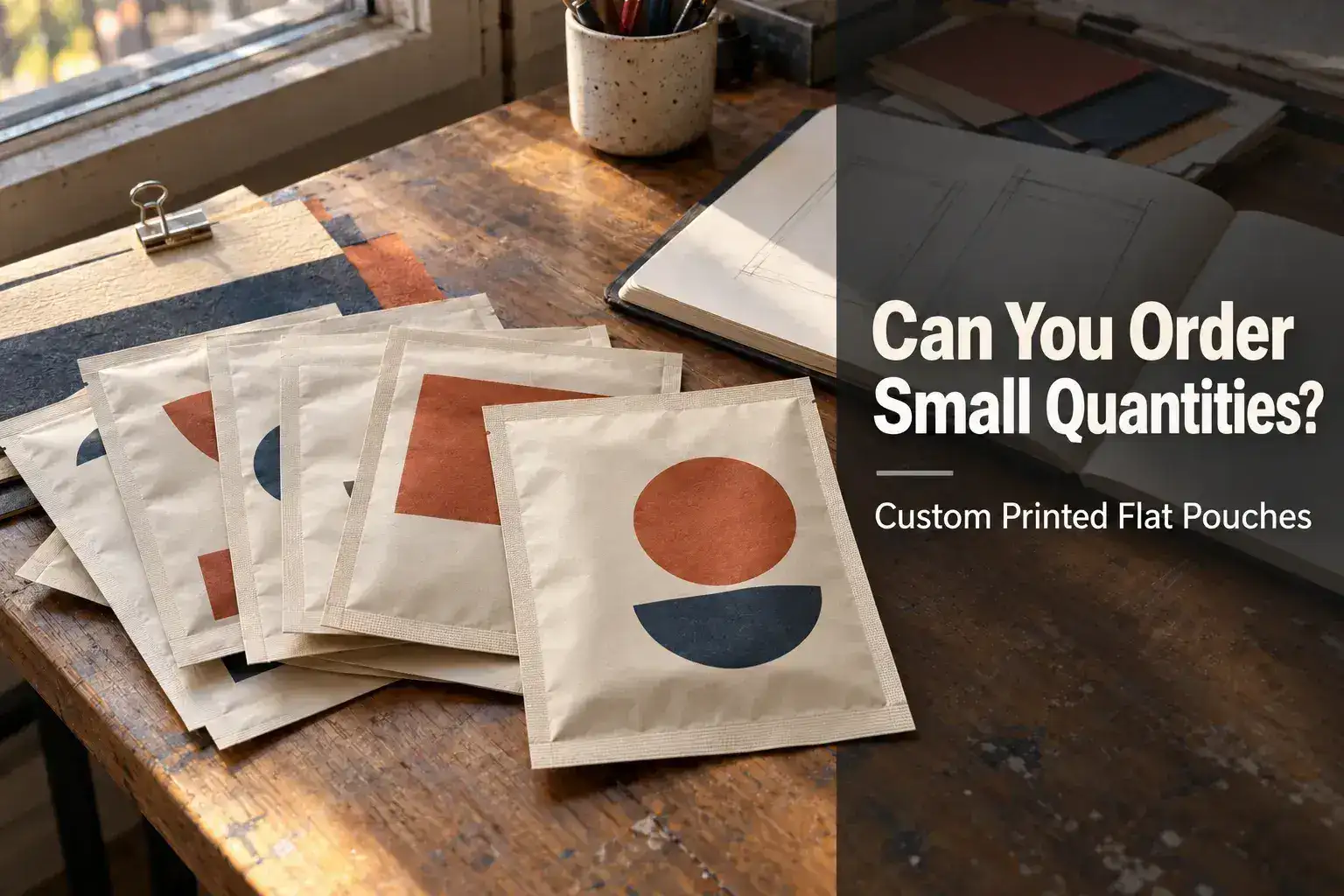
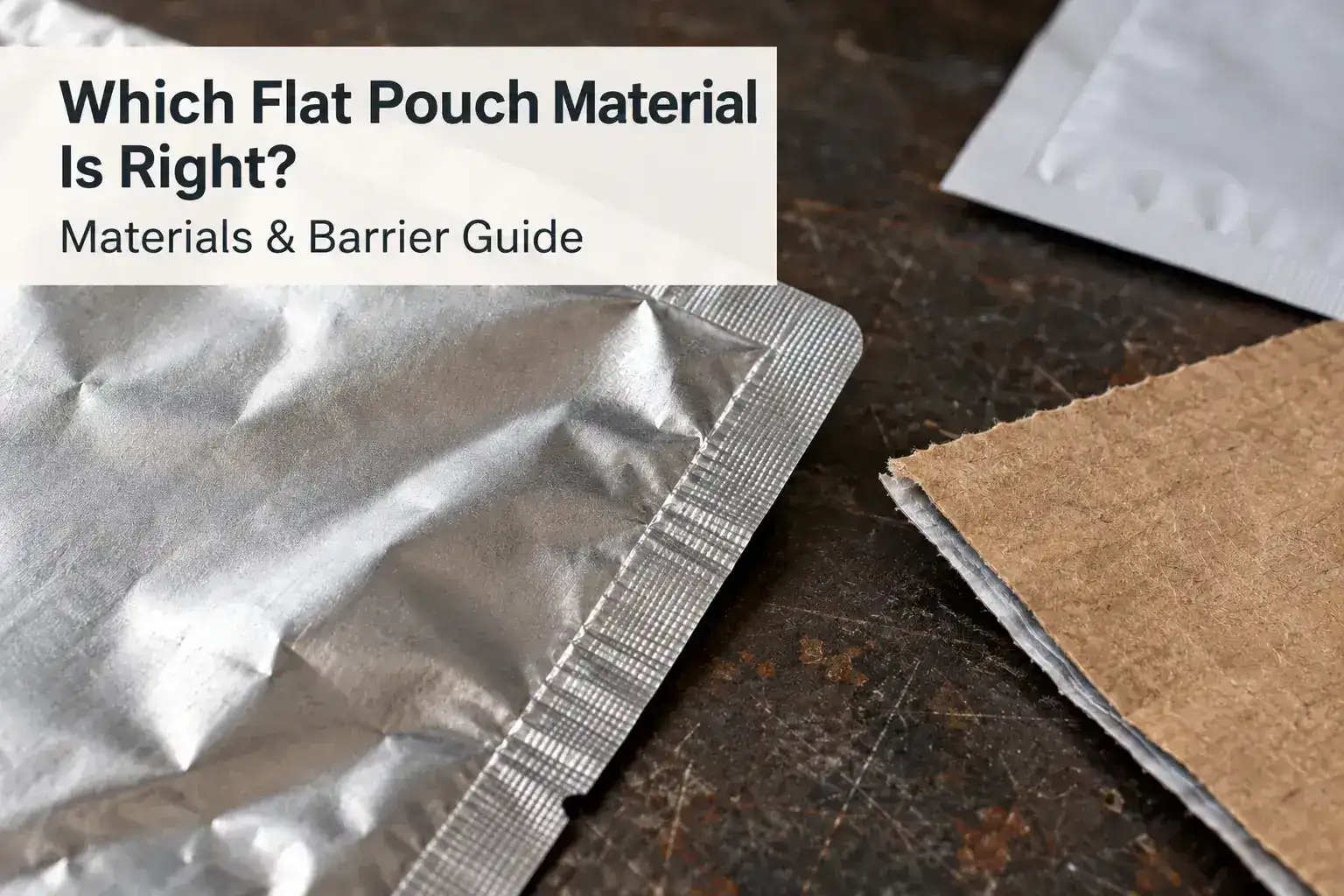
For a small custom flat pouch order, ask Illusionpack for a digital-print quotation with the quantity for each design. The product page lists digital printing for low-MOQ and multiple-SKU projects. Illusionpack confirms the minimum against the pouch specification; the page gives no single MOQ for every order.
Key Takeaways
- Ask for an MOQ for your exact pouch specification, not a generic minimum.
- Confirm quantity per design as well as total quantity.
- Compare digital and gravure on the same material, size and features.
- Separate stock-sample checks, artwork approval and production-sample approval.

Spot UV supplement pouch example. Define the selected gloss areas before artwork approval.
What determines the minimum order for your project?
Ask for the MOQ for the exact size, material, features and printing arrangement you intend to buy. A minimum quoted for one pouch specification may not apply to another.
Provide the total quantity and the quantity for each design. If you plan several flavours, scents or product variants, confirm whether the MOQ applies per design, per size, per material or across the proposed order. Do not assume designs can be combined automatically.
Should you ask for digital or gravure printing?
Ask about digital printing when you need a small launch quantity or several artwork versions. For a larger repeat order, ask for a gravure comparison showing any setup charges and unit costs.
Illusionpack’s custom flat pouch page lists both printing methods. The quote should name the printing method and explain how setup charges apply to your designs.
| Your situation | Question to ask |
|---|
| First product launch | Can the proposed specification be produced digitally at this quantity? |
| Several designs | What minimum applies to each artwork version? |
| Artwork may change soon | What happens to setup costs and minimums on a revised order? |
| A larger repeat order | Would gravure change the unit cost and upfront charges? |

Colorful metallic artwork example. Review small text and contrast on the intended substrate.
Does a lower unit price always mean a better order?
Compare the total cash cost and the stock you will have to hold. Buying more stock than you can use may outweigh a lower unit price, especially if artwork, ingredients or labels could change.
Ask the quotation to identify pouch quantity, printing method, setup charges where applicable, sample charges, shipping and any other stated costs. Compare offers on the same size, material and features.
What should you test before committing to bulk production?
Confirm the fit, material and opening features with a suitable sample. Then clarify what the sample represents: a stock sample may help assess construction, while a printed proof or prototype may answer different artwork questions.
Ask which details the sample matches and which still need approval. Record the approved drawing, material, artwork version, closure and packing requirements before the production order.

Soft-touch flat pouch example. Assess the finish using a physical sample under expected handling conditions.
What should you include in a quotation request?
Send a short, complete brief so the supplier can quote the intended project:
- Product and intended fill weight.
- Pouch dimensions, or the product measurements needed to discuss a size.
- Material requirements and storage conditions.
- Total quantity and quantity per design.
- Zipper, tear notch, window or hang-hole requirements.
- Artwork status, destination and required arrival date.
Ask separately about artwork approval, production and shipping time. A delivery target should be confirmed against the actual project rather than inferred from a general lead-time statement.
Request an Illusionpack quotation with these details to establish the MOQ and printing options for your order.
Which product examples should you compare?
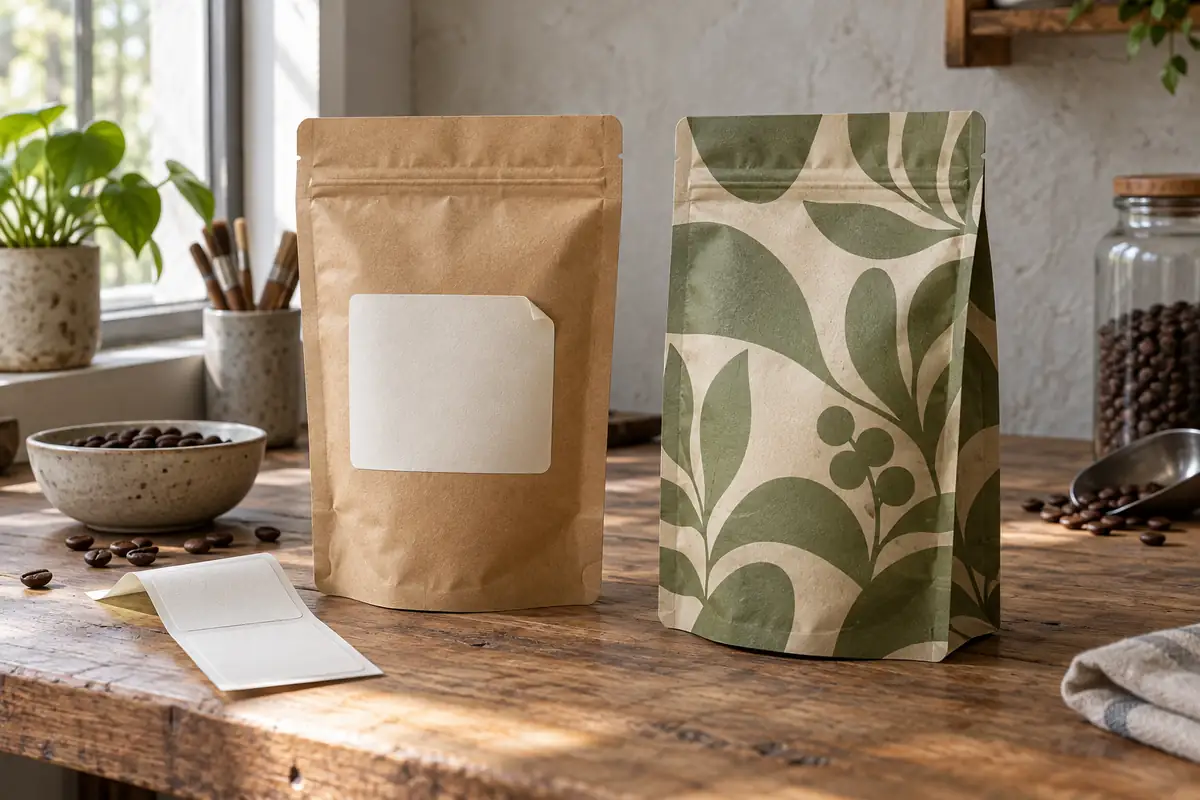
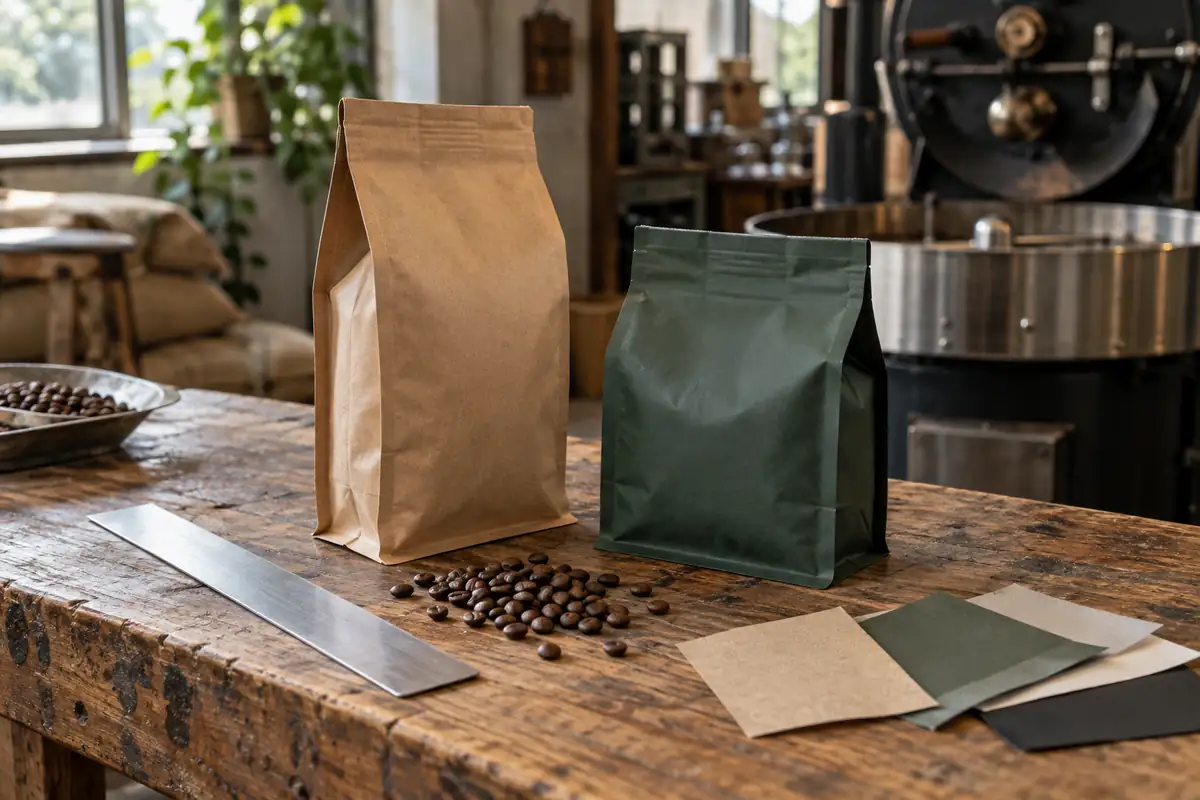
These finishes require different artwork checks. Request a proof on the intended background and identify any separate spot UV areas.
How do you keep several designs within one clear quotation?
Define the specification first, then list the quantity for every artwork version. Our digital printing page and gravure printing page explain the two print routes to discuss. The digital versus gravure article explains the printing choices. Get the flat-pouch minimum in the quote for your specification.
Use the material options page to confirm the structure and the features and accessories guide to identify accessories. For appearance decisions, compare the matte versus gloss article before requesting a proof on the intended substrate.
What should you confirm about samples and timing?
Check our current lead times page for general scheduling information, then request dates for artwork approval, production and shipping in the actual quote. The sample enquiry page and quote builder provide routes to discuss samples; confirm whether the proposed sample represents material, construction, artwork or the complete final pack.
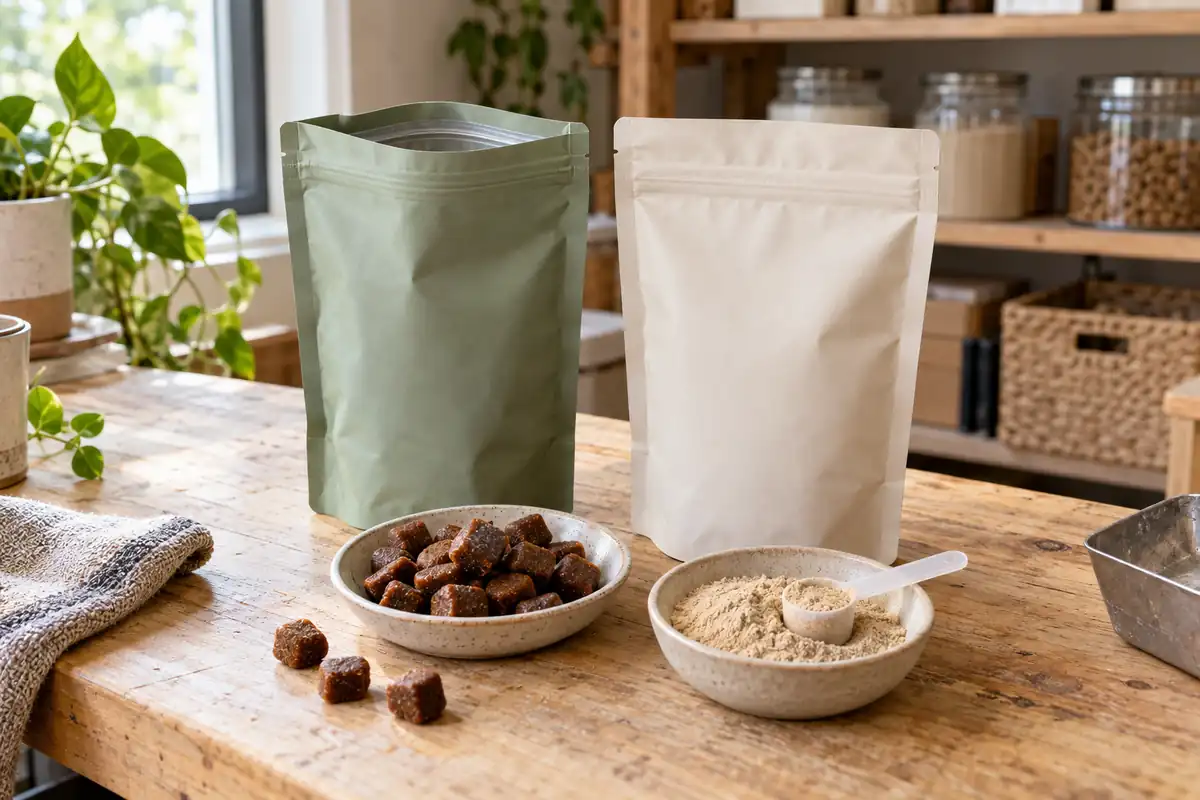
If your project involves powders, use the supplement packaging page to explain the application. The supplement packaging article lists fill and printing questions to include in the brief.
Which external references can help you prepare questions?
WildKind’s sizing guidance explains how product volume and density affect sizing. Fresh-Lock’s closure application guide shows why closures are selected around the application. Sealed Air’s flat pouch literature illustrates the range of features available in a three-side seal format. Use the references to prepare questions, then confirm the answers in the Illusionpack quotation.